> For the complete documentation index, see [llms.txt](https://dev.guardian.hedera.com/llms.txt). Markdown versions of documentation pages are available by appending `.md` to page URLs; this page is available as [Markdown](https://dev.guardian.hedera.com/guardian/workspace/policies/export-documents-in-csv-using-ui.md).
# Export Project Data & Documents to CSV
1. Users with the **POLICY\_EXECUTE** permission can access the **"Export documents"** tab while executing a policy.
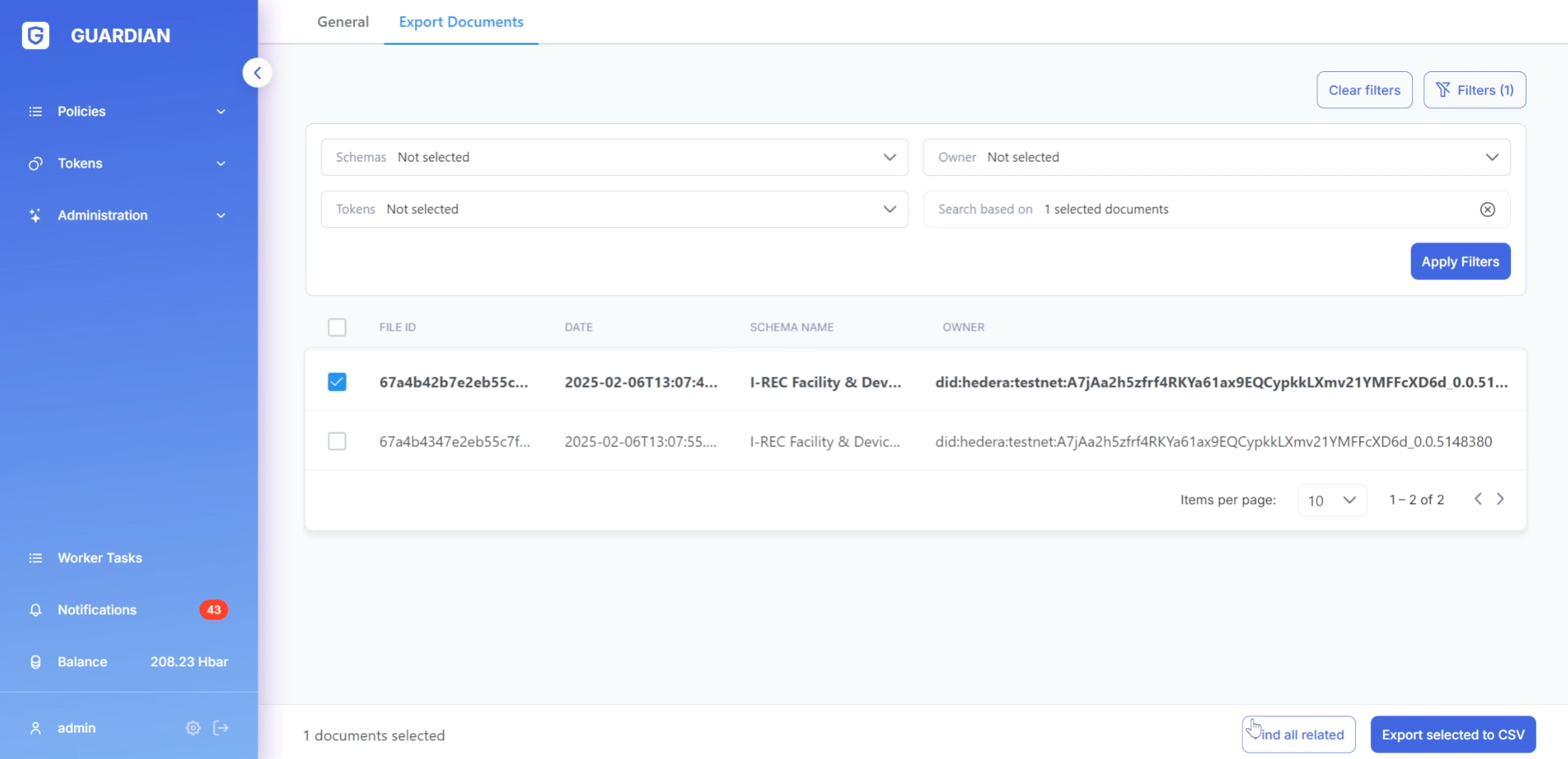
* This page displays a table listing project documents (both user-owned and all documents relevant to the **SR** role).
* The **"Export documents"** feature allows users to download these documents in CSV format.
* Clicking the **"Export to CSV"** button downloads all documents currently shown in the filtered view.
* Alternatively, users can select specific documents from the table to export only those.
2. A filtering section is available to narrow down document selection.
* Filters include schemes, owners (for the **SR** role), tokens, and related documents.
* To filter by related documents, first select one or more documents from the table, then click **"Find all related"**.
3. Users can also access the **"Export documents"** page directly from the document dialog window during policy execution.\
\&#xNAN;*(See screenshot 4)*
.png?alt=media)
%20(1)%20(1)%20(2).png?alt=media)
%20(1)%20(1)%20(4).png?alt=media)