> For the complete documentation index, see [llms.txt](https://dev.guardian.hedera.com/llms.txt). Markdown versions of documentation pages are available by appending `.md` to page URLs; this page is available as [Markdown](https://dev.guardian.hedera.com/security-identity-and-privacy/password-management/4108-multifactor-authentication-2fa.md).
# Multifactor Authentication (MFA)
How to enable multifactor authentication in your profile?
## Enable
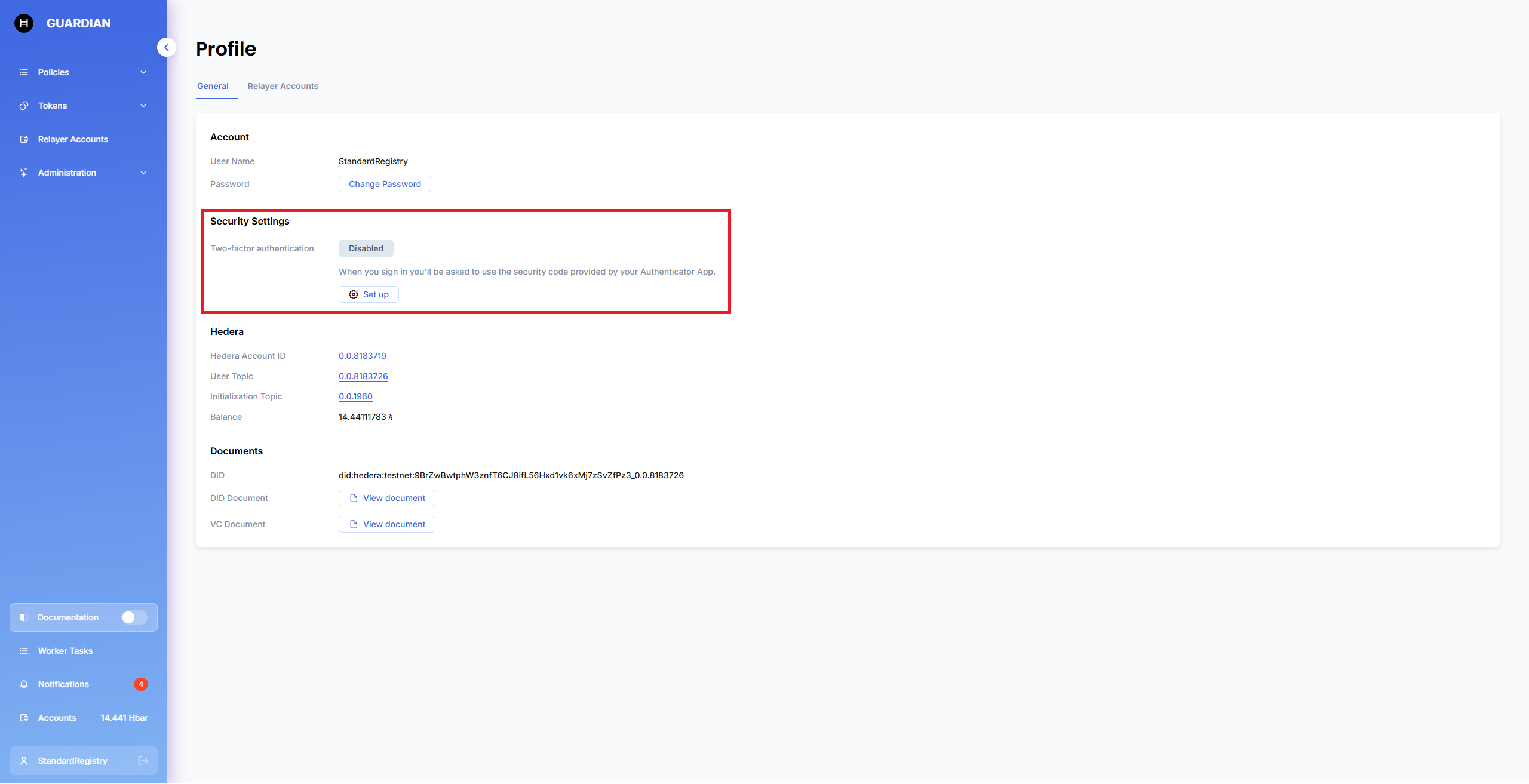
To enable multifactor authentication, click **Set up** in your profile:
Guardian shows a modal with setup instructions:
After you enable multifactor authentication, you can download recovery codes to restore access to your account. You can copy them or download them as a `.txt` file.
## Log in
Every time you log in to Guardian, the system shows a modal to verify the login attempt:
If you lose access to your authentication app, send your recovery code to someone with database access.
## Disable
You can disable multifactor authentication by clicking **Deactivate** in your profile:
## Related Issues
* [https://github.com/hashgraph/guardian/issues/4108](https://github.com/hashgraph/guardian/issues/1987)
.png?alt=media)
.png?alt=media)
.png?alt=media)
.png?alt=media)
.png?alt=media)